Admin Backend – Overview
The Admin Backend (http://localhost:8088) is the central control panel for the Sovereign MoE cluster. It is accessible to administrators only.
Login

Administrators can authenticate via local credentials or via SSO (Authentik). The login form supports CSRF protection.
Dashboard
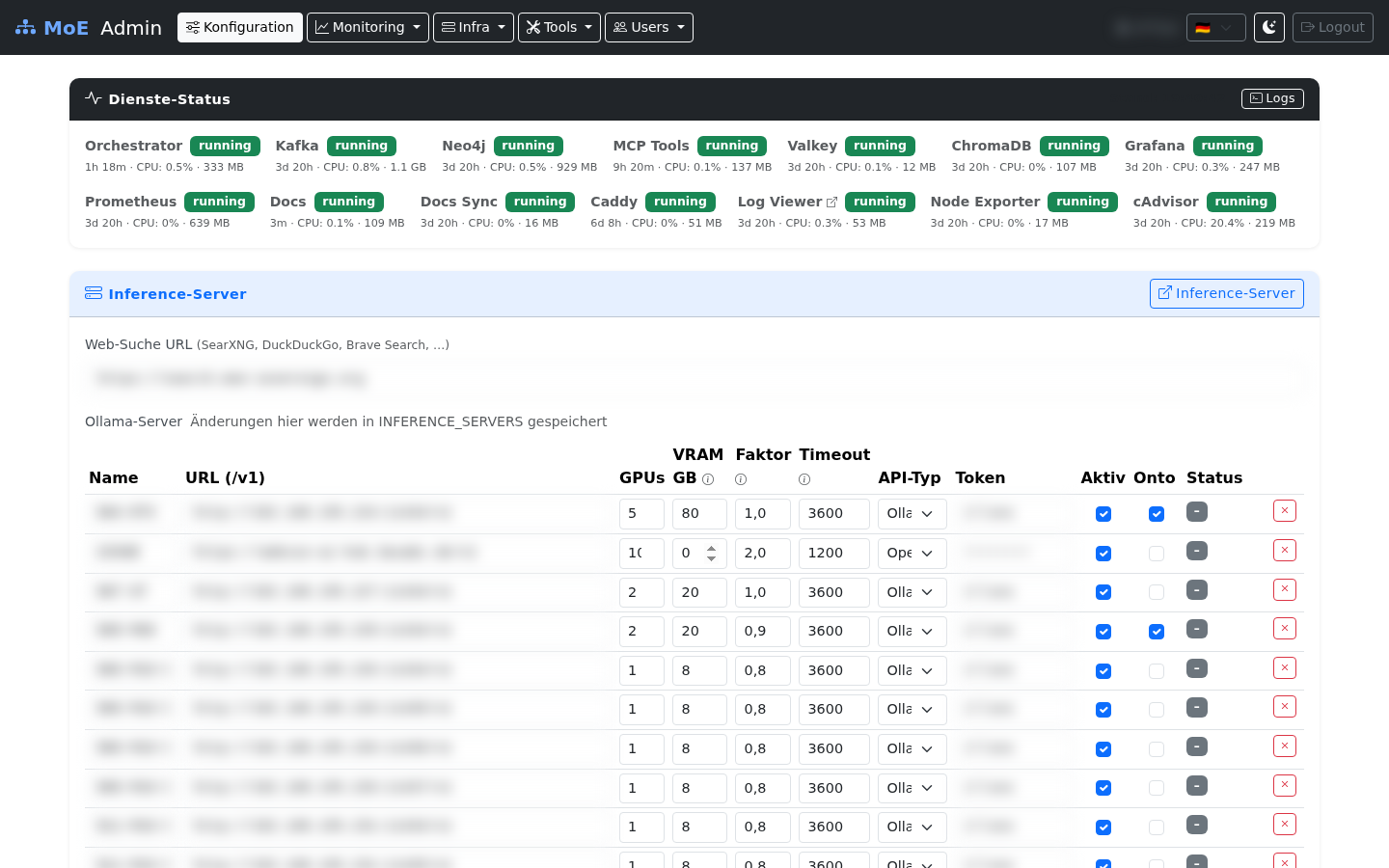
Navigation
The navbar groups all sections into dropdown menus, visible from ≥992 px screen width. On smaller screens a hamburger menu opens the full offcanvas sidebar.
Direct links
| Menu Item | Path | Function |
|---|---|---|
| Config | / |
System configuration, container status |
Monitoring (dropdown)
| Menu Item | Path | Function |
|---|---|---|
| Monitoring | /monitoring |
Prometheus metrics, server status |
| Live Monitoring | /live-monitoring |
Active processes, process kill, LLM instances |
| Starfleet | /starfleet |
Ambient intelligence dashboard, node health, alerts |
| Pipeline Log | /pipeline-log |
Per-request routing decisions, filters, CSV export |
| Statistics | /statistics |
Token and cost statistics |
| Benchmarks | /benchmarks |
GAIA / LongMemEval benchmark runs |
Infra (dropdown)
| Menu Item | Path | Function |
|---|---|---|
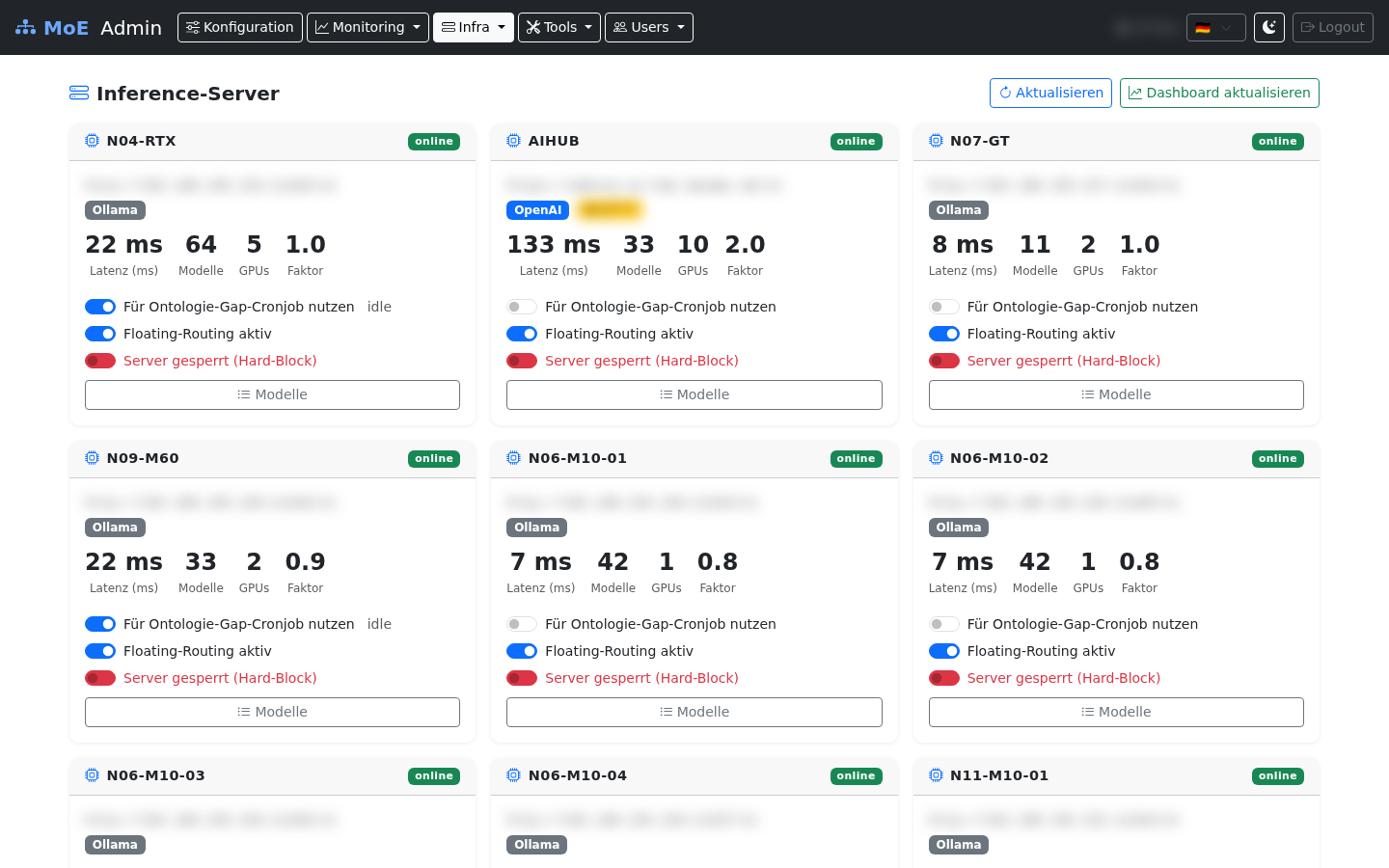
| Servers | /servers |
Configure inference servers |
| Knowledge | /knowledge |
Neo4j knowledge graph management |
| Federation | /federation |
Multi-tenant cluster federation |
| Quarantine | /quarantine |
Blocked content review |
| Maintenance | /maintenance |
System maintenance tasks |
Enterprise Stack (dropdown)
These pages integrate the optional Enterprise Stack (Marquez · lakeFS · NiFi). They appear when the stack is reachable and surface a Foundry-equivalent catalog/approval/explorer/notebook workflow without leaving the admin UI.
| Menu Item | Path | Function |
|---|---|---|
| Enterprise Dashboard | /enterprise |
Lineage runs, lakeFS commits, NiFi ETL submissions, drift events |
| Data Catalog | /catalog |
Cross-source dataset browser (Marquez · Neo4j domains · lakeFS repos) |
| Knowledge Approvals | /approval |
Review and approve/reject pending knowledge bundles staged on pending/* lakeFS branches |
| Object Explorer | /explorer |
Read-only Cypher console with regex blacklist + Neo4j Browser deep-link |
| Notebook | /notebook |
Embedded JupyterLite + copy-paste snippets for the orchestrator API |
Tools (dropdown)
| Menu Item | Path | Function |
|---|---|---|
| CC Profiles | /profiles |
Claude Code profiles |
| Skills | /skills |
Manage slash commands |
| MCP Tools | /mcp-tools |
Enable/disable precision tools |
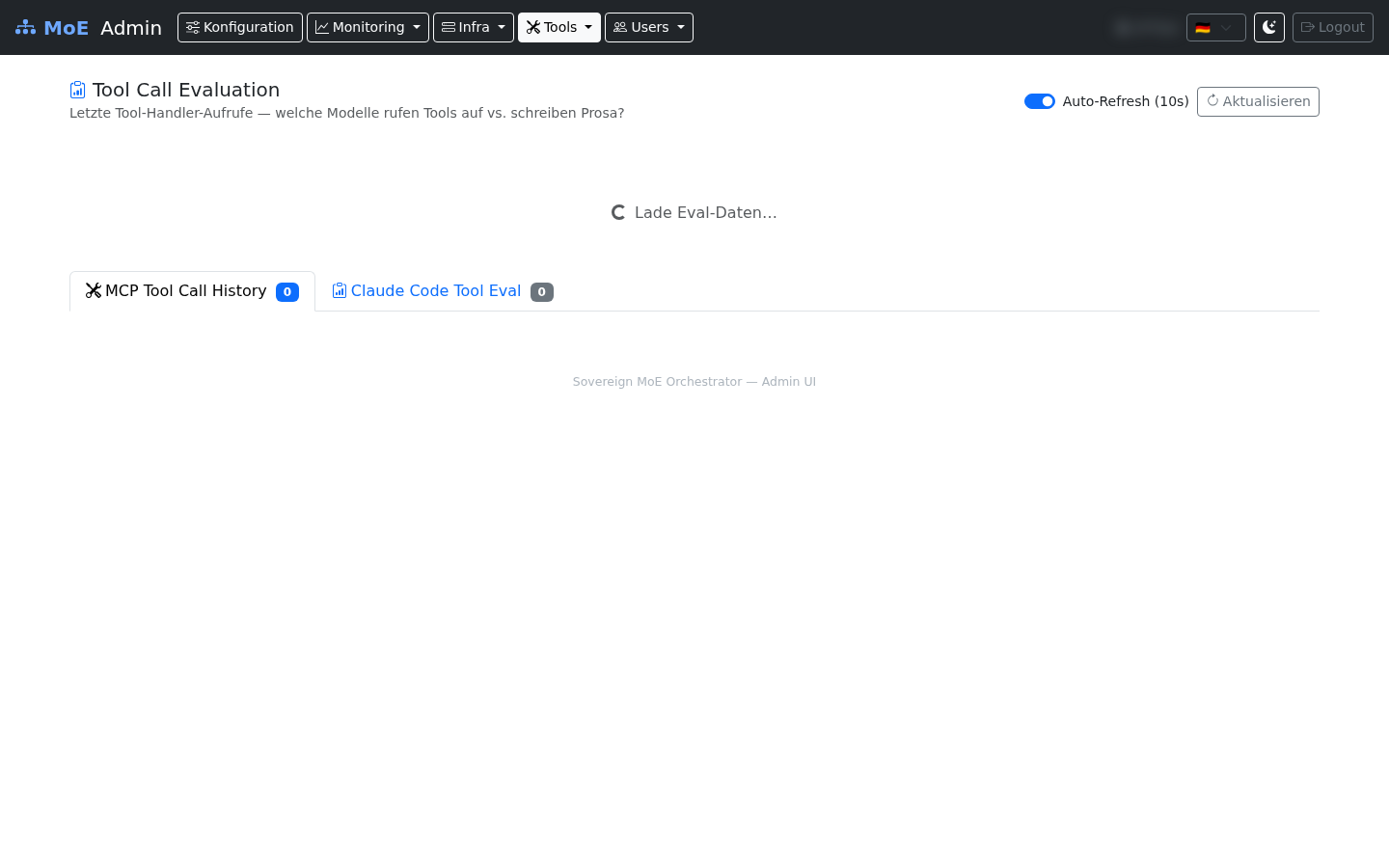
| Tool Eval | /tool-eval |
Tool usage evaluation log |
| Templates | /templates |
Manage expert configurations |
Users (dropdown)
| Menu Item | Path | Function |
|---|---|---|
| Users | /users |
User CRUD, budgets, permissions, API keys |
| Teams | /teams |
Team and tenant management |
| User Content | /user-content |
All user templates and profiles |
Dashboard – Global Configuration
The Admin Dashboard (/) allows changing system-wide settings. Changes are written to the .env file via POST /save.
Configurable Fields
| Field | Env Variable | Meaning |
|---|---|---|
| Token Price | TOKEN_PRICE_EUR |
EUR per token for cost calculation (default: 0.00002) |
| Expert Models | EXPERT_MODELS |
JSON array: model assignments per category |
| Inference Servers | INFERENCE_SERVERS |
JSON array: server configurations |
| Claude Code URL | CC_API_BASE |
Base URL for Claude Code API |
| Planner Model | PLANNER_MODEL |
Global default planner LLM |
| Judge Model | JUDGE_MODEL |
Global default judge LLM |
| SMTP | SMTP_HOST etc. |
Email configuration for user notifications |
Container Status
The dashboard shows the live status of these Docker containers:
langgraph-orchestratormoe-kafkaneo4j-knowledgemcp-precisionterra_cache(Valkey)chromadb-vector
Inference Servers
Skills

Tool Evaluation Log
Cluster Impact
Every change made via the Admin Backend takes effect immediately:
| Action | Immediate Effect |
|---|---|
| Change token price | Applies immediately to all new requests |
| Change inference servers | New requests use the updated server list |
| Toggle profile | Orchestrator is restarted |
| Suspend user | Valkey cache is immediately invalidated |
| Revoke permission | Next API request from the user will be rejected |
| Set budget | Valkey counter is validated against the new limit |